
Insights overview
The three Insights (Internal, External, Keyword), what each one watches, and when to use them.
Stealed exposes three complementary perspectives on detected credential leaks. Each one answers a different security question. Most teams use all three together, looking at different facets of the same dataset.
At a glance
| Perspective | Watches | Answers |
|---|---|---|
| Internal Insight | Credentials whose email domain matches your domains | Which of my collaborators are exposed? |
| External Insight | Credentials whose target URL is on your domains | Who is targeting my services? |
| Keyword Insight | Credentials whose target URL contains a monitored keyword | Where is my brand mentioned in third-party leaks? |
Internal Insight
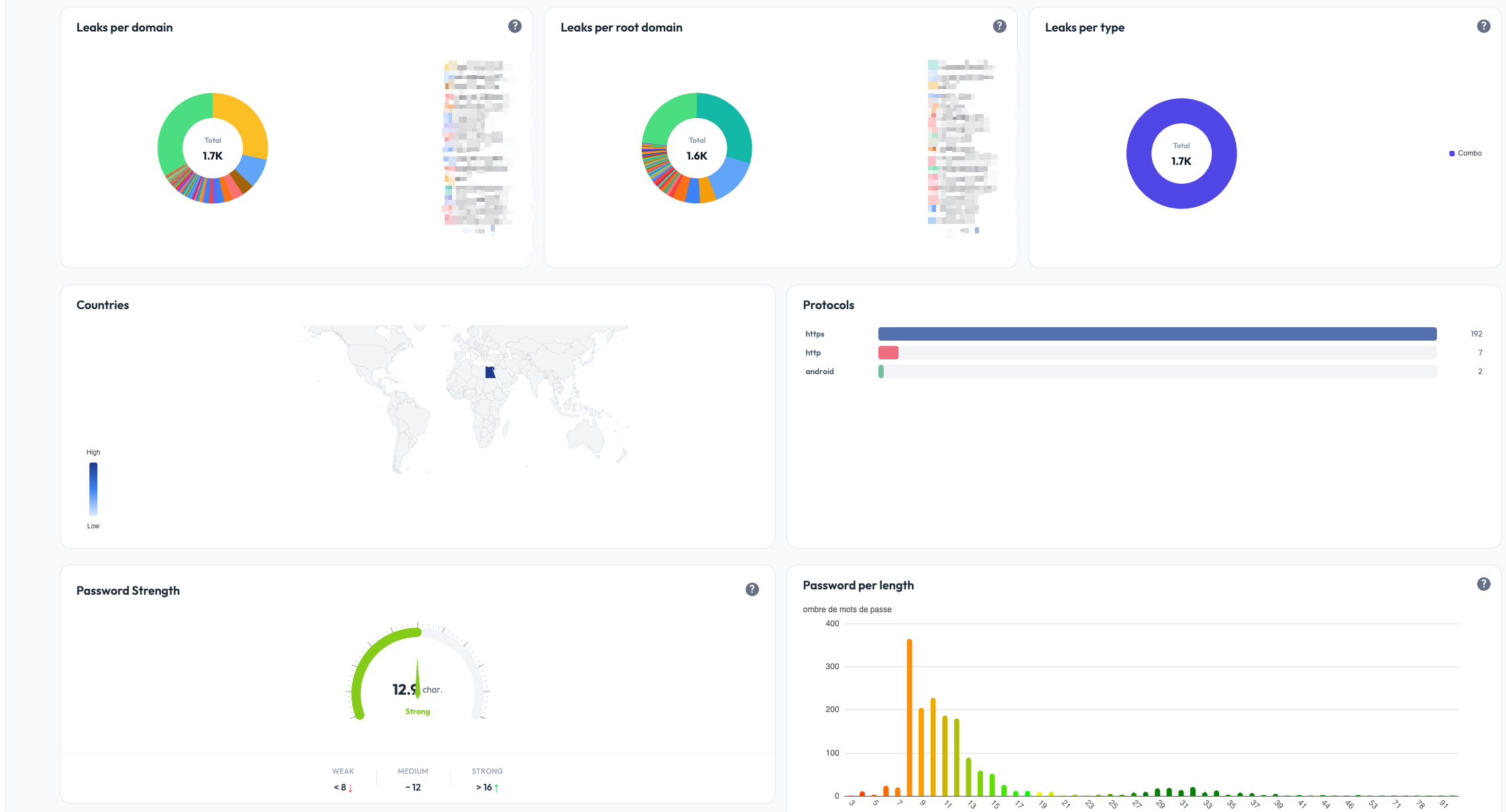
Internal Insight watches credentials whose email is on one of your domains. These are typically credentials your collaborators saved in their browsers for accessing third-party SaaS tools.
If a collaborator's machine got infected by an infostealer, their browser credentials get exfiltrated. Internal Insight surfaces those leaks: who is exposed, on which sites, and the freshness of the leak.
Use case: a Stealed user with the email john.doe@acme.com saved his
password in Chrome for slack.com. His machine was infected by Redline.
Internal Insight will show:
john.doe@acme.com- masked password
- target site:
slack.com - detection date
Typical actions: invalidate the leaked credentials in your IdP / SSO, rotate sessions on the affected SaaS, and confirm the impacted collaborator is aware.
External Insight
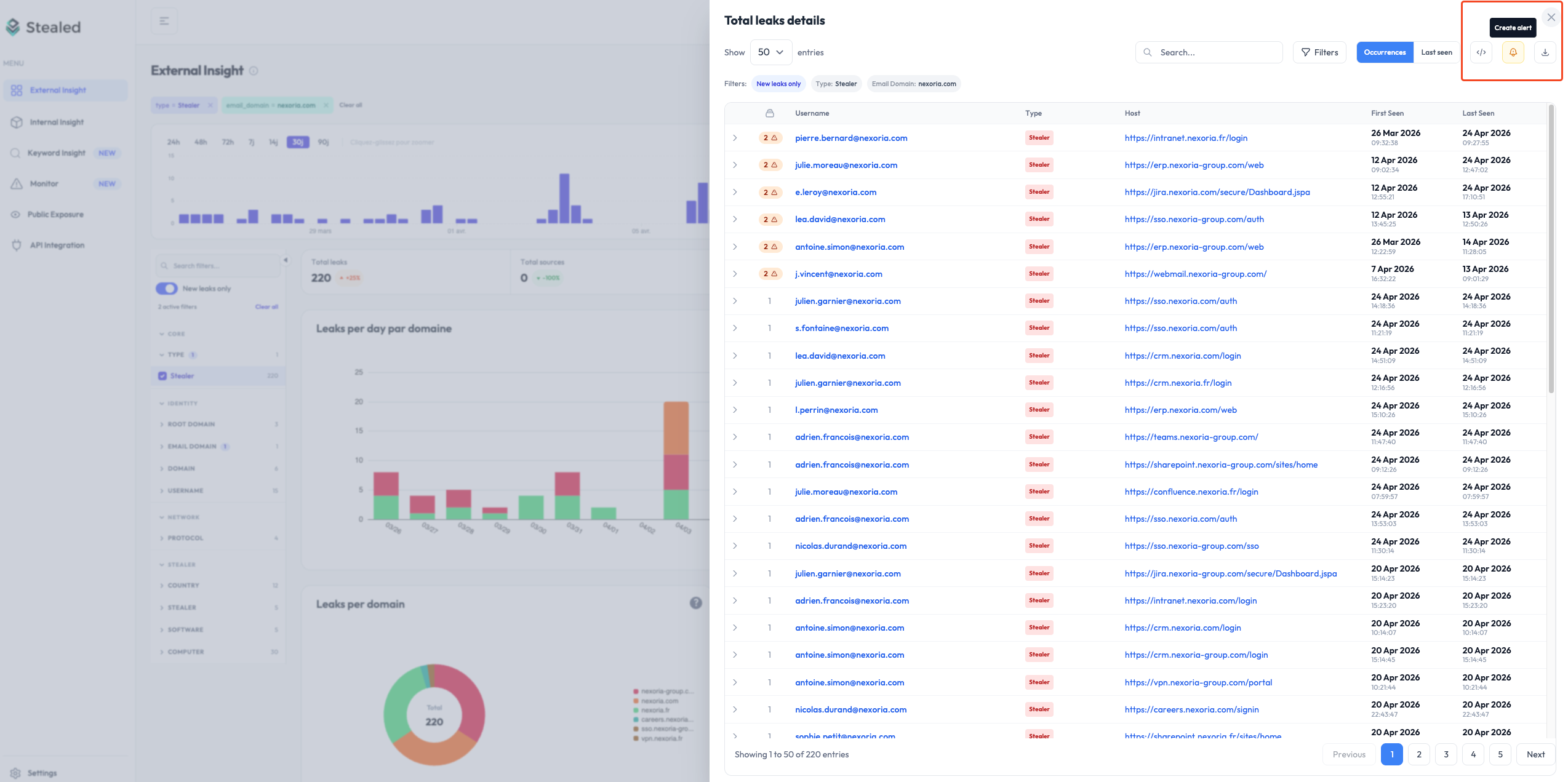
External Insight watches credentials whose target URL is on your domains. These are credentials someone (anyone, anywhere) saved while logging into your services. When their machine got infected, the credential to your service was stolen.
This is the front-line view for credential-stuffing and account-takeover attacks against your platform.
Use case: anyone using your portal.acme.com SaaS who saved their
password in Chrome on an infected machine. External Insight shows the
credentials targeting your service:
- thousands of usernames (your customers / users)
- masked passwords
- target site:
portal.acme.com - the stealer family that exfiltrated them
Typical actions: forced password reset for affected users, MFA enforcement, IP / geolocation anomaly detection on login, customer notification.
Keyword Insight
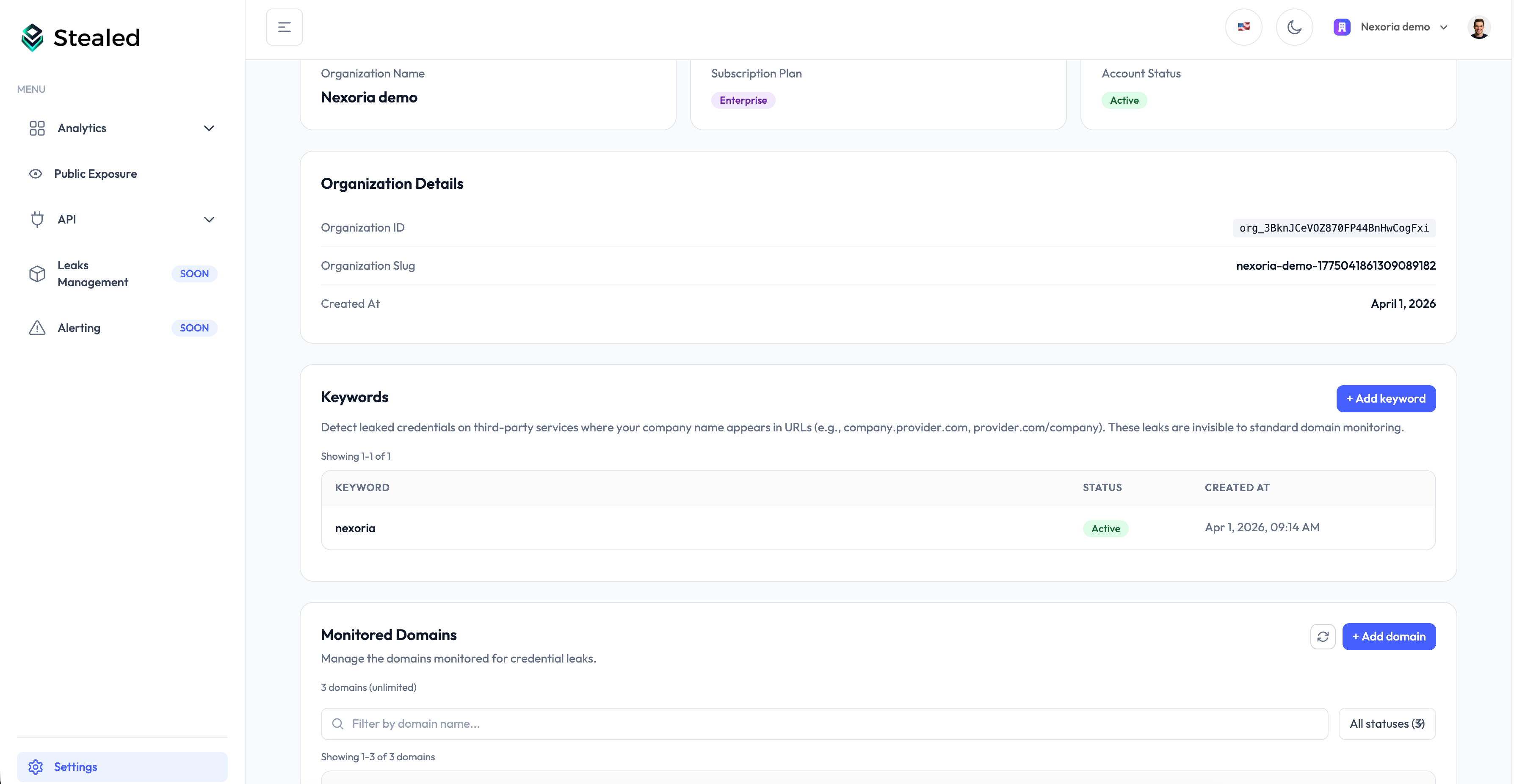
Keyword Insight watches credentials whose target URL contains a keyword you configured. This catches leaks on third-party domains that mention your brand, product, subsidiary or internal project name.
Why it matters: your collaborators (or customers) often log into third-party SaaS that aren't on your domains. If your brand name is in the URL of one of those SaaS, Keyword Insight surfaces the leaks even though the URL is on a vendor or partner domain.
Use case: your company is named "Acme". You configure the keyword
acme. Keyword Insight shows leaks on:
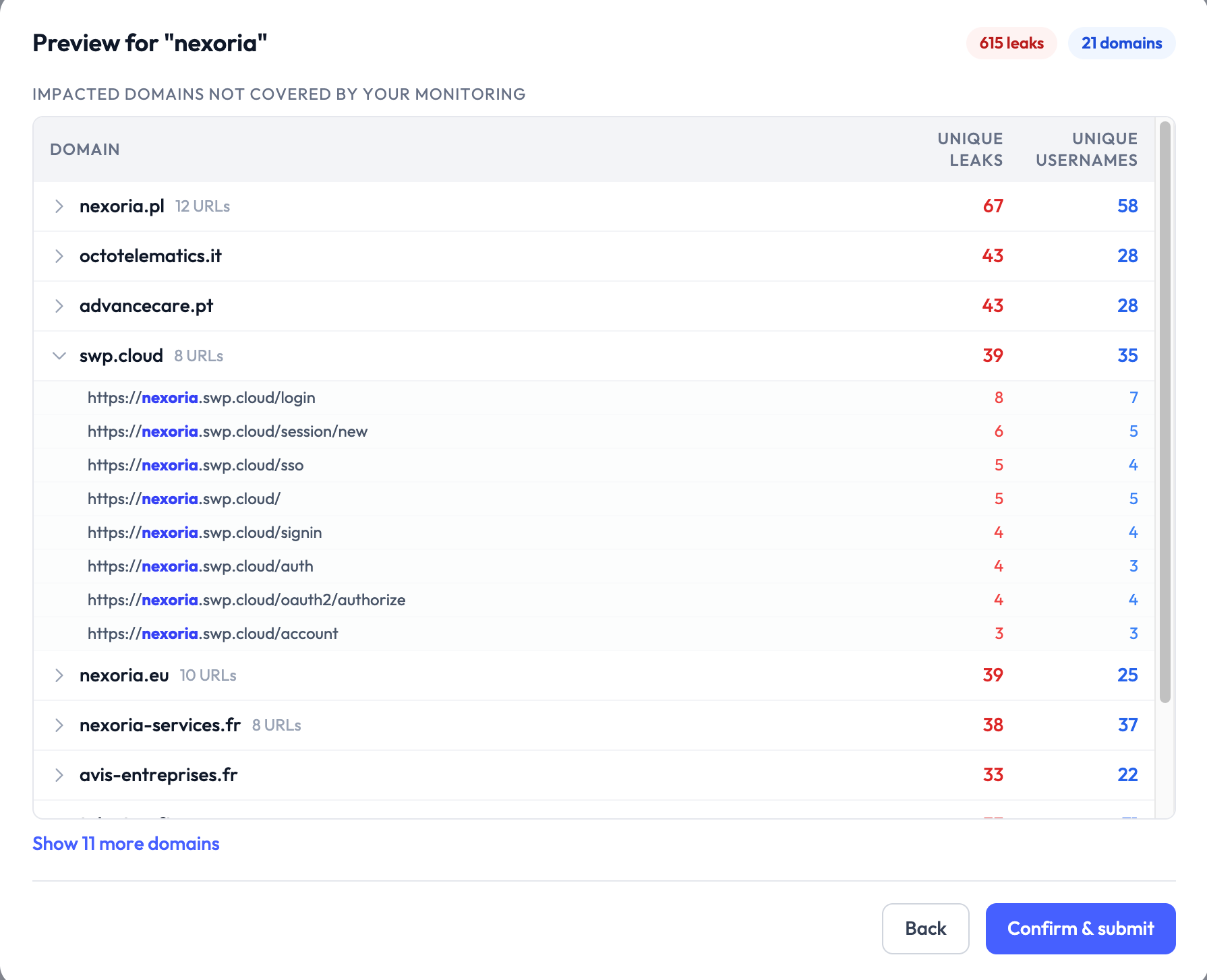
acme.vendor-portal.com(a vendor's portal scoped to your tenant)partner.io/acme(a partner SaaS path-scoped to you)subsidiary-acme.service.com(a subsidiary name appearing in a third party URL)
Typical actions: identify shadow IT, contact vendors to invalidate exposed credentials, evaluate which third-party tools have the largest footprint of compromised access.
A focus on the detected URLs grouped by host:
Keyword Insight is included on Enterprise plans and available as an add-on on Pro plans.
How they relate
The same underlying dataset feeds all three Insights. They differ only in how they query it:
- Internal: filter on
email_domain IN your_domains - External: filter on
url_root_domain IN your_domains - Keyword: filter on
url CONTAINS your_keyword
A single leak record can appear in multiple Insights if it satisfies
multiple filters (e.g. an @acme.com user logging into portal.acme.com).
The deduplication is on the underlying credential hash, so volume metrics
across the three views may overlap.
What's next
- Reading detected leaks: filters, table view, export, applies to all three Insights.
- Create a monitor: turn any of the three Insights into a real-time alerting rule.
Cockpit
The default landing page after login. One glance to take stock of the organisation's exposure, the recent activity per scope, and the state of the monitors.
Reading detected leaks
Filter, search, sort and export the credential leaks Stealed has detected. Applies to Internal, External and Keyword Insight.