
Reading detected leaks
Filter, search, sort and export the credential leaks Stealed has detected. Applies to Internal, External and Keyword Insight.
Once Stealed detects credentials matching your surveillance, you read the results from any of the three Insights pages (Internal, External, Keyword). The interface is the same across the three views, only the underlying query differs.
The leaks table
Every Insight page shows a paginated table of detected credentials. Each row represents one credential leak, identified by its cryptographic hash. The default columns:
- Username / email: the identifier exposed in the leak
- Password: masked by default, full plaintext only available with explicit per-row reveal (audited)
- Target site: the URL the credential was used on
- Stealer / source: the malware family or source (RedLine, Vidar, combo list, etc.)
- First seen: first time Stealed observed this credential
- Last seen: most recent observation (re-seen on a new dump, etc.)
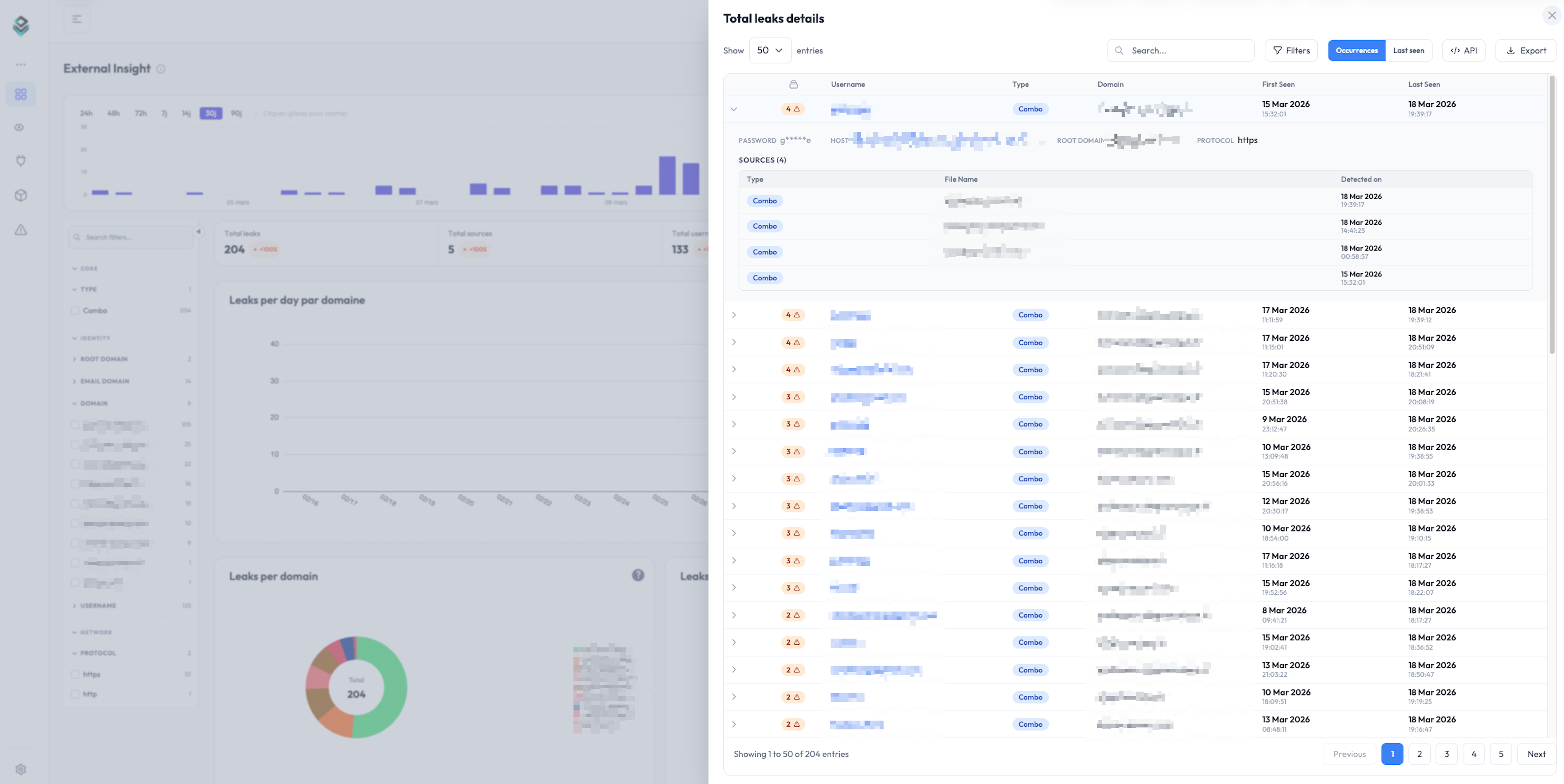
Filters
The filter panel above the table lets you narrow the view by:
- Domain / subdomain: restrict to a specific domain in your watchlist
- Stealer family: RedLine, Vidar, Lumma, Raccoon, generic combo list
- Source type: infostealer log vs combo list
- Date range: first-seen or last-seen window
- Country (machine geolocation, when available)
- Browser / app that stored the credential
Filters stack. You can save a filter combination as a "View" and link to it directly from a monitor.
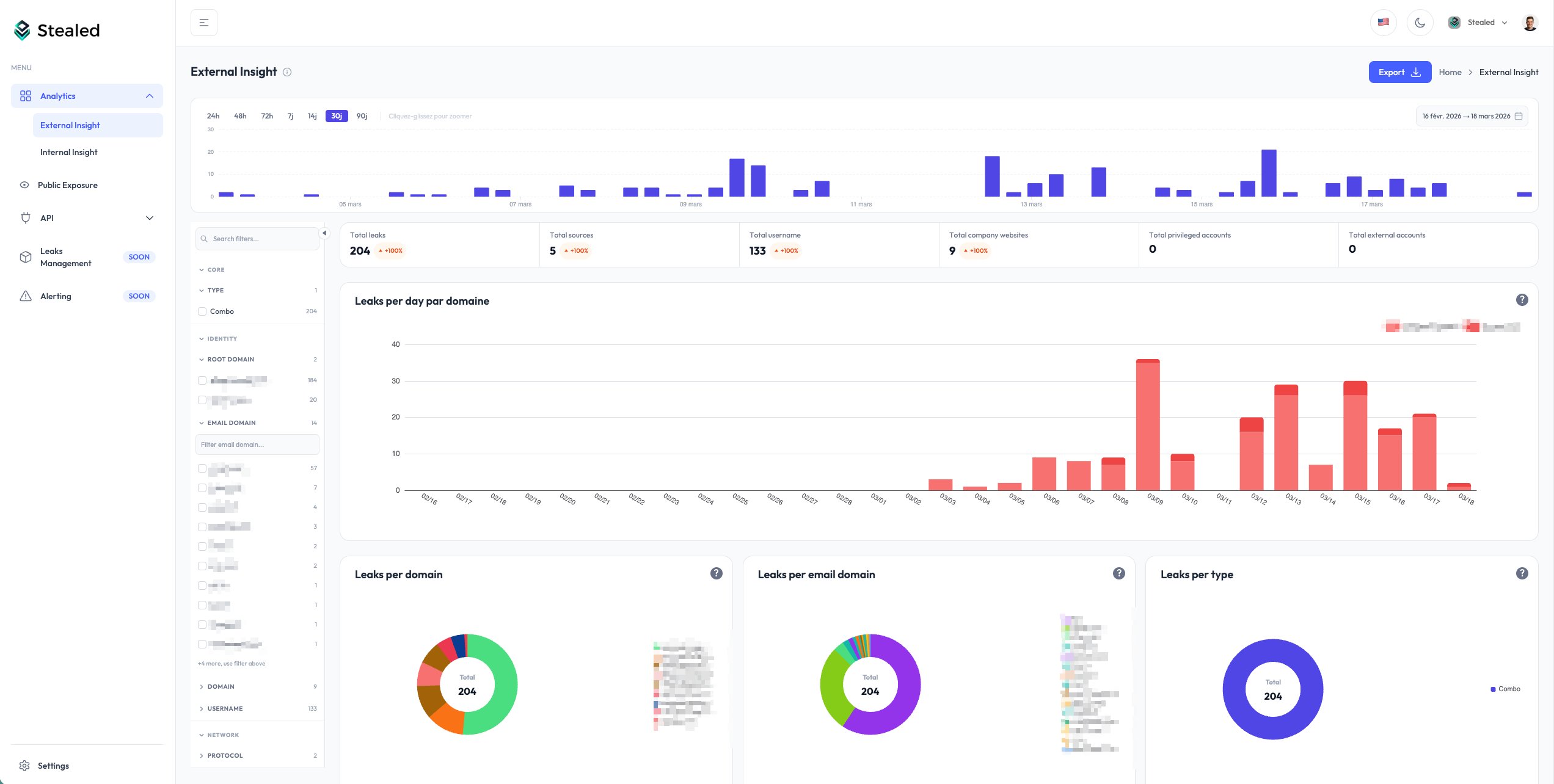
Search
The search box accepts:
- A username or email substring (
john,@acme.com) - A target URL substring (
portal,slack.com/login) - A stealer family name (
redline)
Search runs on the same dataset as the table, with the same filters applied.
Sort
Click any column header to sort. By default the table sorts by last seen descending, so freshly re-seen credentials appear at the top, even if their first observation was months ago.
If you only want to see net-new credentials (credentials Stealed had never seen before today), filter on first seen and switch sort to first seen descending.
Export
Click Export in the top right of the table to download the current view (filters + sort applied). Two formats are available from the UI:
- CSV: for spreadsheets and SIEM ingestion
- PDF: pre-formatted report (Enterprise plan)
The export honours the row limit of your plan. Free plan exports are limited to 100 rows; Pro and Enterprise have higher caps.
For programmatic extraction (JSON output, full dataset, scripted
pulls), use the REST API. The same filters you applied in
the UI translate to query parameters on the /leaks/details endpoint.
Hash management (RGPD)
Every credential is stored as a cryptographic hash, not plaintext. The plaintext password is only revealed on explicit click, which is logged in your organization's audit trail.
If a user requests deletion under RGPD, you can mark the corresponding hash for removal from your tenant. The hash is then ignored in future queries even if it reappears in our raw feed. See Hash management (API reference) for the programmatic interface.
What's next
- Insights overview: when to use Internal, External or Keyword Insight.
- Create a monitor: turn a saved view into an active alert.